Best Webcam for Remote Work 2025: Clear Video Calls Without Breaking the Bank
Affiliate Disclosure: We earn commissions from qualifying purchases through links on this page. Full disclosure.
Your Laptop Webcam is Costing You Opportunities
I spent a year looking like a blurry, grainy mess on video calls. My laptop's built-in webcam made me look washed out, pixelated, and unprofessional. I didn't realize how bad it was until I saw a screenshot from a team meeting.
Then I bought a $70 external webcam. The difference was shocking. Suddenly I looked sharp, well-lit, and professional. My manager even complimented my "setup."
Video calls are now the default for remote work. Your appearance matters. Here are the best webcams for remote workers in 2025.
Quick Picks: Best Webcams by Need
| Webcam | Best For | Price |
|---|---|---|
| Logitech C920 | Best Overall Value | $70 |
| Logitech Brio 4K | Best Premium Pick | $180 |
| Razer Kiyo | Best for Low Light | $100 |
| Anker PowerConf C200 | Best Budget Pick | $40 |
1. Logitech C920 - The Industry Standard
Price: $70 | Resolution: 1080p @ 30fps
The C920 is the default recommendation for good reason. It's reliable, affordable, and delivers excellent image quality.
Why it's the standard:
- 1080p resolution (massive upgrade from most laptop cameras)
- Excellent auto-focus and light correction
- Built-in dual microphones (surprisingly decent)
- Works perfectly with Zoom, Teams, Google Meet, Slack
- Clip or tripod mount
Real-world performance: I used this webcam for 18 months before upgrading. It handles varying lighting conditions well and never had compatibility issues. The image is sharp and colors are accurate.
Who it's for: Anyone upgrading from a laptop webcam. The best bang-for-buck option.
Downside: Only 30fps (not 60fps). No 4K. The clip mount can be wobbly on thin monitors.

Logitech Brio 4K Webcam
- ✓4K Ultra HD video
- ✓HDR and RightLight 3
- ✓5x digital zoom
- ✓Windows Hello compatible
As an Amazon Associate we earn from qualifying purchases.
2. Logitech Brio 4K - Premium Quality
Price: $180 | Resolution: 4K @ 30fps, 1080p @ 60fps
The Brio is what I use now. It's overkill for some, but if you're on video calls 20+ hours per week, the quality jump is worth it.
Key features:
- True 4K resolution (though most platforms compress to 1080p)
- HDR support for better dynamic range
- RightLight 3 technology (best-in-class low-light performance)
- 5x digital zoom
- Multiple field-of-view options (65°, 78°, 90°)
Why I upgraded: The low-light performance is exceptional. My office has inconsistent natural light, and the Brio adjusts beautifully. I also use 1080p @ 60fps, which makes motion smoother.
Who it's for: Professionals on camera frequently. Content creators. People with poor office lighting.
Downside: Expensive. The improvement over the C920 is noticeable but not life-changing.
Logitech C920 HD Pro Webcam
- ✓1080p HD video
- ✓Dual stereo mics
- ✓Auto light correction
- ✓Works with all platforms
As an Amazon Associate we earn from qualifying purchases.
3. Razer Kiyo - Best Built-in Ring Light
Price: $100 | Resolution: 1080p @ 30fps
The Kiyo's killer feature is the built-in adjustable ring light. If your office has bad lighting, this solves the problem in one device.
Key features:
- 12-stage adjustable ring light
- 1080p @ 30fps or 720p @ 60fps
- Auto-focus
- Works with all major video platforms
Why it stands out: The ring light makes a massive difference. Even in a dark room, you'll look evenly lit and professional. No need for a separate desk lamp or key light.
Who it's for: People with poorly lit home offices. Night owls who work late. Anyone who doesn't want to buy separate lighting.
Downside: The ring light adds bulk. The image quality is good but not as sharp as the C920.
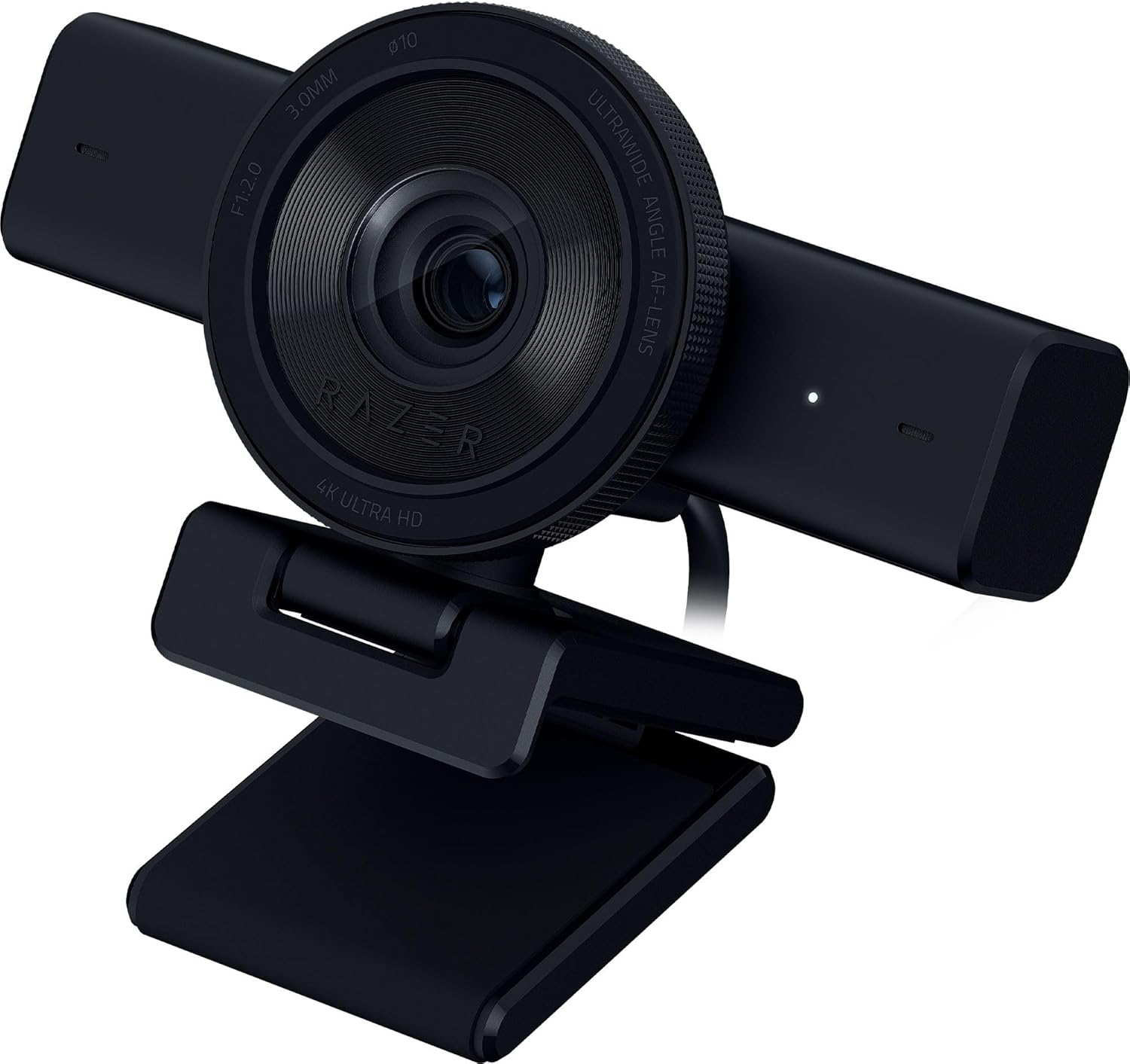
Razer Kiyo Pro
- ✓Uncompressed 1080p 60fps
- ✓Adaptive light sensor
- ✓Wide-angle lens
- ✓Professional streaming quality
As an Amazon Associate we earn from qualifying purchases.
4. Anker PowerConf C200 - Best Budget Option
Price: $40 | Resolution: 1080p @ 30fps
If you're on a tight budget, the Anker PowerConf C200 delivers shockingly good quality for the price.
Key features:
- 1080p resolution
- Auto-focus and light correction
- Built-in privacy shutter
- Dual noise-canceling microphones
What impressed me: For $40, this webcam performs 90% as well as the $70 Logitech C920. The image is clear, colors are accurate, and it "just works."
Who it's for: Budget-conscious remote workers. Part-time remote workers who don't need premium quality.
Downside: Build quality feels cheaper. No advanced features like HDR or variable FoV.

Anker PowerConf C200 2K Webcam
- ✓2K resolution
- ✓Dual stereo mics
- ✓Auto-framing
- ✓Budget-friendly
As an Amazon Associate we earn from qualifying purchases.
What Actually Matters in a Webcam
1. Resolution: 1080p is the sweet spot. 720p looks dated in 2025. 4K is overkill (most platforms compress to 1080p anyway).
2. Frame Rate: 30fps is fine for video calls. 60fps is smoother but not essential unless you're streaming or recording.
3. Auto-Focus: Non-negotiable. You don't want to manually adjust focus every time you move.
4. Low-Light Performance: Matters more than resolution. Bad lighting makes even 4K cameras look terrible.
5. Field of View: 78-90° is ideal for video calls. Too narrow and you're cramped. Too wide and you look tiny.
Lighting Matters More Than Your Camera
Truth: A $40 webcam with good lighting looks better than a $200 webcam in a dark room.
Before upgrading your camera, fix your lighting:
- Face a window for natural light (best option)
- Add a desk lamp pointed at your face (not from behind)
- Consider a ring light or key light ($30-80)
I use an 🛒 Elgato Key Light Mini ($80) positioned at 45° to my face. Game-changer.
Do You Need an External Webcam?
Maybe not. Built-in laptop cameras have improved. Apple's recent MacBooks have excellent 1080p cameras.
Upgrade to an external webcam if:
- Your laptop camera is 720p or worse
- You're on video calls 10+ hours per week
- You want better low-light performance
- You use an external monitor (laptop cameras are awkward when the screen is closed)
- Your professional image matters for your role (client-facing, management, sales)
Stick with your laptop camera if:
- It's a recent MacBook or high-end laptop with a good camera
- You're rarely on video calls
- You're extremely budget-conscious
Common Webcam Mistakes
Mistake #1: Positioning too low. Webcams at desk level create an unflattering up-angle. Position at eye level.
Mistake #2: Backlighting. Don't sit in front of a window. You'll be a silhouette.
Mistake #3: Ignoring background. A messy room is distracting. Use a clean background or virtual background.
Mistake #4: Forgetting to test. Do a test call before important meetings. Lighting changes throughout the day.
My Recommendation
For most remote workers: buy the Logitech C920 ($70). It's the best value and will serve you well for years.
If you have bad lighting: get the Razer Kiyo ($100) with the built-in ring light.
If you're on camera constantly and it matters professionally: invest in the Logitech Brio ($180).
If you're extremely budget-conscious: the Anker PowerConf C200 ($40) is shockingly good for the price.
Final Thoughts
Your webcam is your digital first impression. A $70 upgrade can make you look more professional, more credible, and more engaged.
In a world where video calls are now standard, this is one of the easiest investments in your remote work career.
Ready to upgrade your workspace? Find remote jobs where your professional setup will shine.